
Power Backup for Home
A power cut always seems to hit at the worst possible moment. The fridge goes quiet, the fans stop, and you're left wishing you'd sorted out a proper power backup for home use months ago. Sound familiar? You're not the only one, and the fix is a lot simpler than it seems once you know what you're actually looking for.
This guide walks through what homeowners, apartment residents, and villa owners genuinely need to know: how these systems work, which type suits your home, and the mistakes that lead to regret a few months after buying.
Why this matters more than it used to.
Power cuts used to be a minor annoyance. Now, with more people working from home and running more devices day to day, an outage can wreck your entire evening or derail a workday. A good power backup inverter for home use turns that whole situation into a non-event — you barely notice it happened.
Here's what usually goes wrong first:
- The fridge stops cooling, and food starts spoiling within a few hours
- Fans and lights die, which is brutal during Hyderabad summers especially
- Water motors stop, leaving overhead-tank homes with no water supply
- Laptops and routers lose power right when you're in the middle of something

Inverter or UPS? Sort this out first.
This is where people get mixed up, and it's worth clearing up before you spend a rupee.
Inverter for home
An inverter for home setup takes a moment — usually under a second to a couple seconds — to switch on once the power cuts. That tiny gap doesn't matter for fans, lights, fridges, or TVs. None of them are sensitive enough to care.
Inverters are the backbone of whole-home backup. They're built to run several appliances for a good stretch, often several hours, depending on how big your battery is.
UPS power backup for home
A UPS power backup for home setup switches instantly, no gap at all. That matters for things like your laptop or Wi-Fi router — gear that could glitch or lose data if the power drops even for a split second.
UPS backup usually runs shorter than an inverter, since its job is to protect sensitive equipment and buy you a few minutes, not power your whole house for the evening.
The simple version: inverter for the whole home, UPS for anything that can't handle even a tiny interruption.
Getting the size right for your home.
An apartment with a fridge and a couple of fans doesn't need what a villa running a borewell pump and multiple ACs needs. Getting the size right matters far more than chasing a brand name.
Work out what you need to run
Before you buy anything, make a list. Lights, fans, fridge, router, maybe the TV. Add up the wattage on those — that's the capacity to shop for. Most homes do well sizing about 25–30% above their calculated load.
Match to your outage frequency
If outages where you live run long and frequent, it's worth putting money into a higher-capacity power backup inverter that can carry your home through extended cuts. If outages are rare, don't overspend on capacity you'll rarely touch.
Pick the right battery type
Reliable and long-lasting, a solid pick for most independent houses and villas.
Cheaper upfront, but they wear out faster — better suited to homes with short, occasional outages.
Costs more to start, but charges faster, lasts a lot longer, and barely needs maintenance — which is why more apartments and villas are switching over.
What to check before you buy.
Not every inverter and battery combo on the market is built the same way, and you'll feel the difference fast once you're actually using one.
VA rating
Check it against your calculated load, not just what fits the budget.
Warranty terms
Compare on both inverter and battery — longer usually means better build quality.
After-sales service
A cheap unit with no local support becomes an expensive headache the first time something breaks.
Charging efficiency
Faster and smarter charging means your backup is ready sooner after each cut.
Noise & heat
Some units run louder or hotter than others — matters if it's sitting somewhere you spend time.
Mistakes people keep making.
A handful of issues come up again and again with first-time buyers.
Buying too small
Then overloading it with more appliances than it can realistically handle.
Skipping maintenance
Like checking water levels in tubular batteries, which quietly eats into backup time over the years.
Choosing on price alone
Without checking warranty coverage or whether the brand actually sticks around for service.
Poor installation
Especially weak earthing — a genuine safety risk no matter how good the unit itself is.
Keeping it running well.
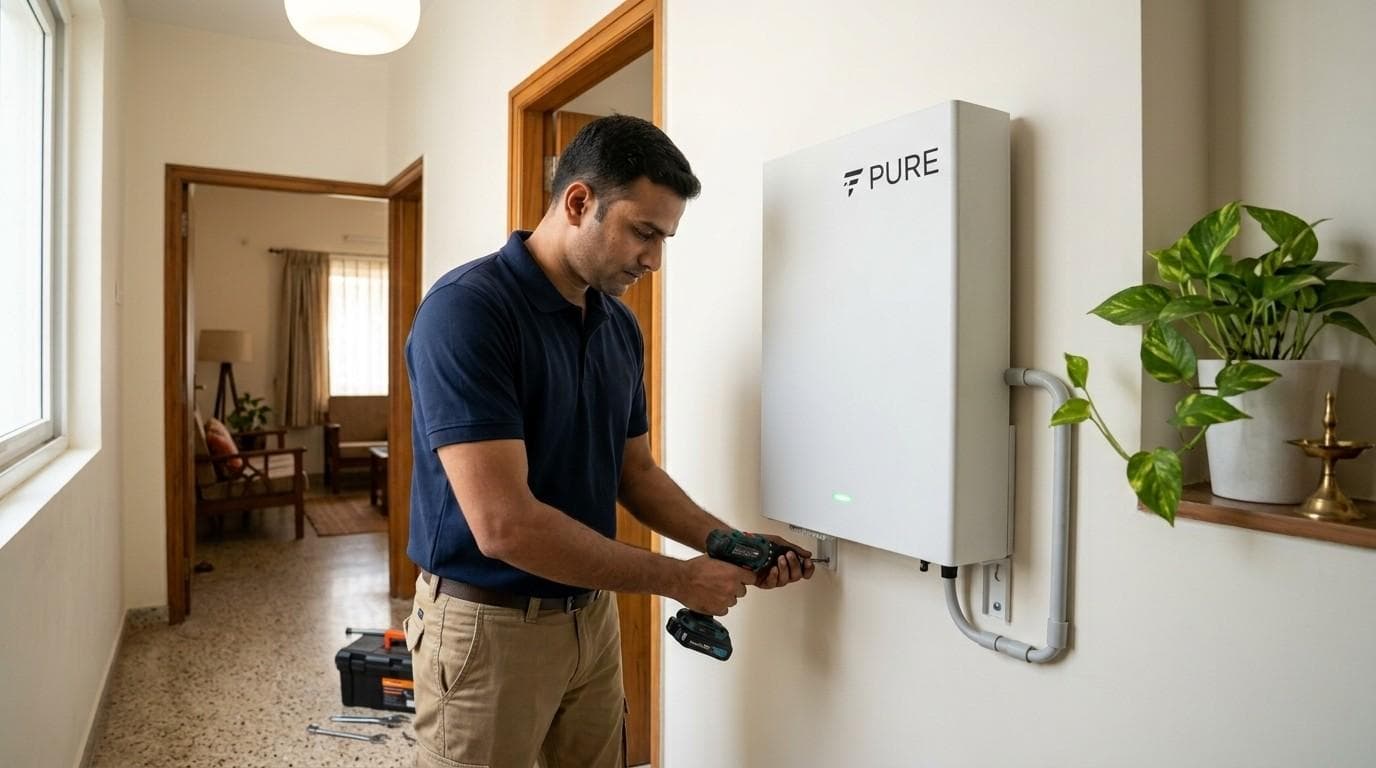
- Get it installed by a certified electrician or authorized technician, not whoever's cheapest online.
- Keep the battery somewhere ventilated, away from direct sun and damp.
- Check tubular battery water levels every month or two.
- Book an annual service check, ideally before summer or monsoon when outages spike.
- Don't push the system past its rated load, even briefly.
PuREPower Home, four sizes.
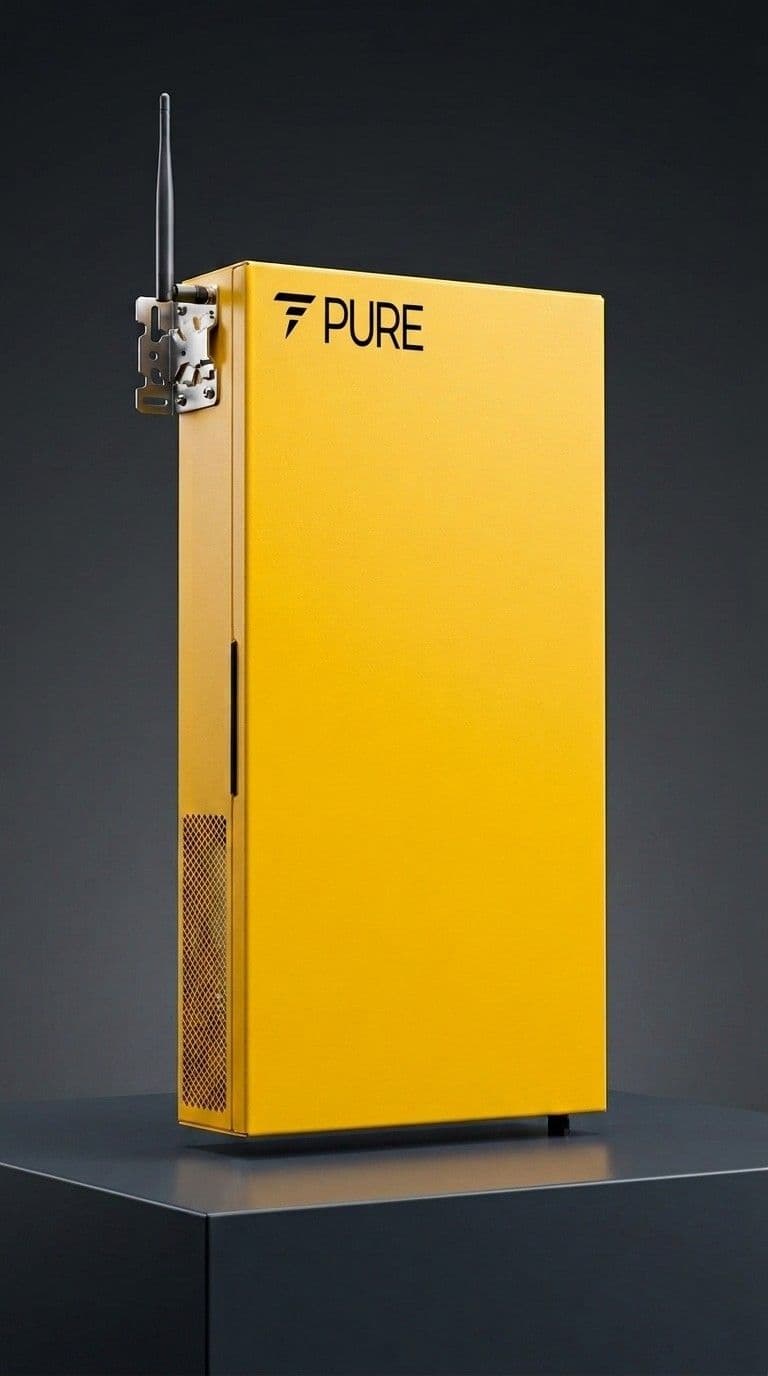
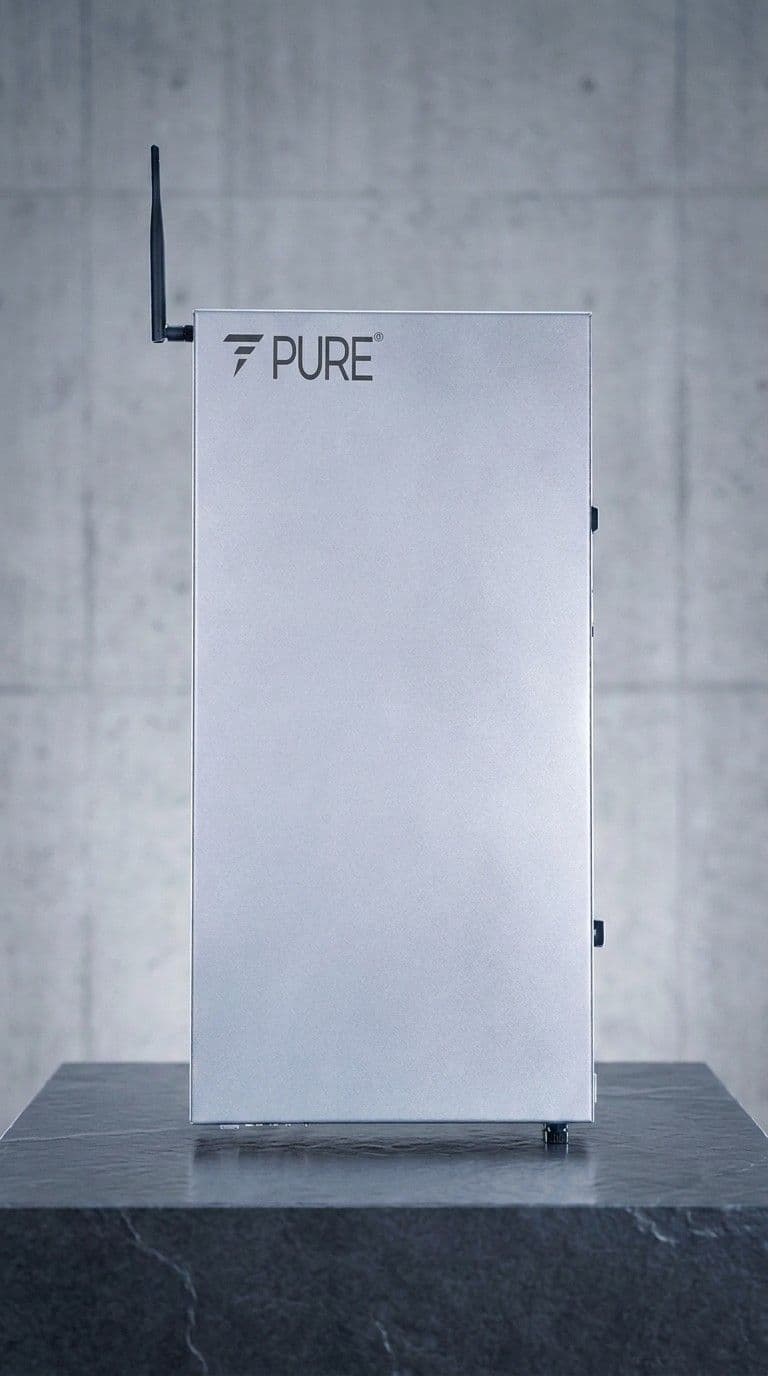

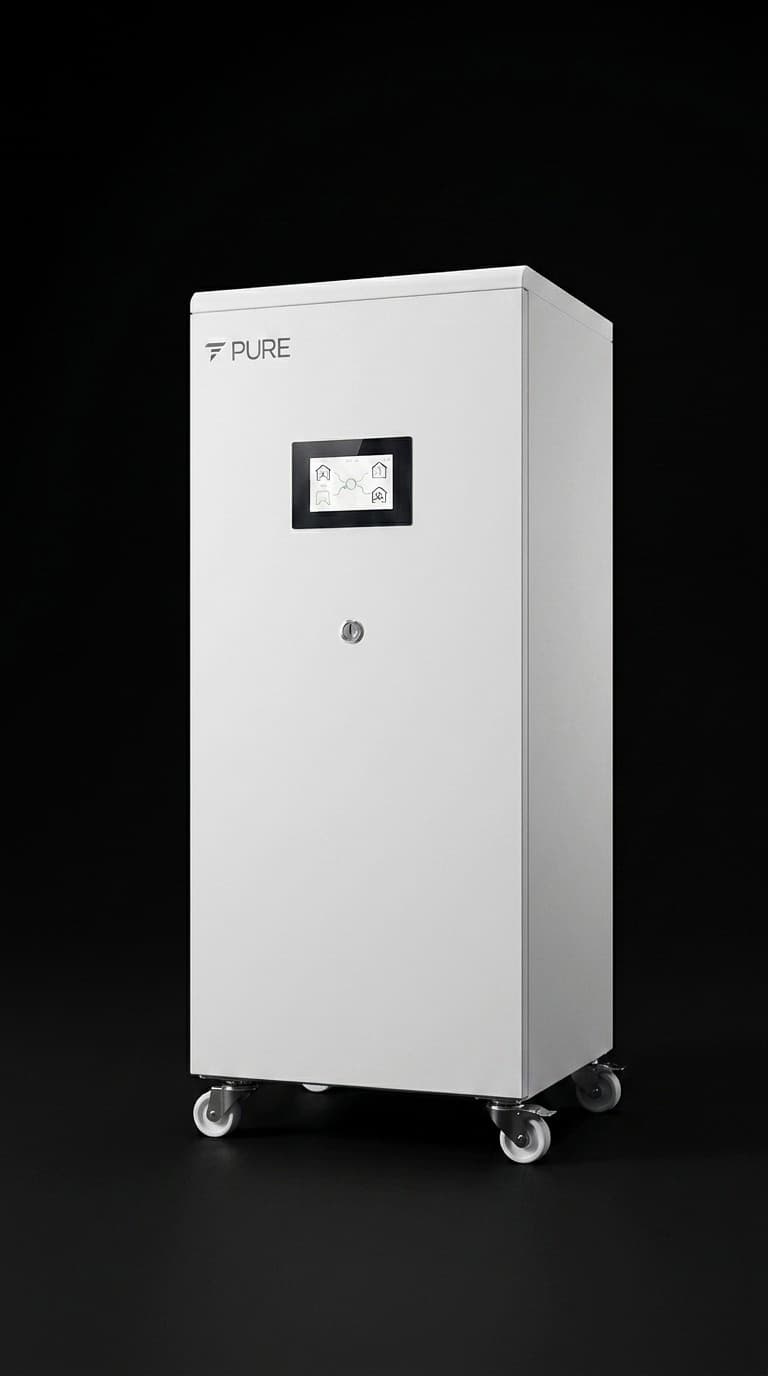
PuREPower Home — full specs.
Detailed technical data for each model in the PuREPower Home series.
PuREPower Home 3.0
A modular advanced Li-ion battery energy storage system designed for residential applications, supporting a capacity of 3 kWh/KVA. Engineered with Smart AI, it offers high thermal stability, long cycle life, and superior safety. With efficiency exceeding 97% and a life-cycle design of 12 years, PuREPower Home 3.0 ensures long-term performance with minimal maintenance.
Questions people actually ask.
How many hours can a home inverter run my appliances for?
It depends on your battery size and what's connected to it. A mid-size setup usually backs up lights, fans, and a fridge for 3–6 hours, and larger systems with bigger batteries can stretch well beyond that if the load stays light.
What's the real difference between an inverter and a UPS?
An inverter takes a brief moment to switch on and is meant for whole-home backup. A UPS switches instantly and is meant for sensitive electronics like laptops and routers that can't handle even a split-second gap.
How do I know what size inverter my home actually needs?
Add up the wattage of everything you want backed up during an outage, then add roughly 25–30% on top. That number is your target capacity, not whatever's listed as "recommended" on a random product page.
Are lithium batteries worth the extra cost over tubular ones?
If you can afford the higher upfront price, yes. You get faster charging, a much longer lifespan, and barely any maintenance, which often balances out the cost difference over several years.
Can a UPS back up my entire house instead of an inverter?
Not really. A UPS is built for short, instant backup on specific devices, not for running your whole home's lights, fans, and fridge for hours. For whole-home coverage, an inverter with the right battery capacity is what you actually need.
How often does a power backup system need servicing?
Once a year is a good baseline, ideally timed before summer or monsoon when outages tend to spike. Tubular battery owners should also check water levels every month or two in between.
Making the right call for your home.
A solid power backup for home isn't about grabbing the biggest system on the shelf. It's about knowing your actual load, choosing the right inverter for home or UPS setup based on what you're protecting, and getting it installed properly so it just works when you need it.
If you're not sure what capacity your home actually needs, don't guess. Reach out to us for a free consultation, and we'll help you work out exactly what setup makes sense for your space and your budget.
Get a Free Consultation